
PAIRING / 01
Tracksuit bottoms. Meet the matching top.
A shopper viewing tracksuit bottoms sees a matching top or complementary shirt. The relationship is immediately clear, and they can add a coordinated piece to their purchase.
Shopify Product page upsell
Bring complementary products into the decision your customer is already making. Show useful add-ons right on the product page, before the order reaches checkout.
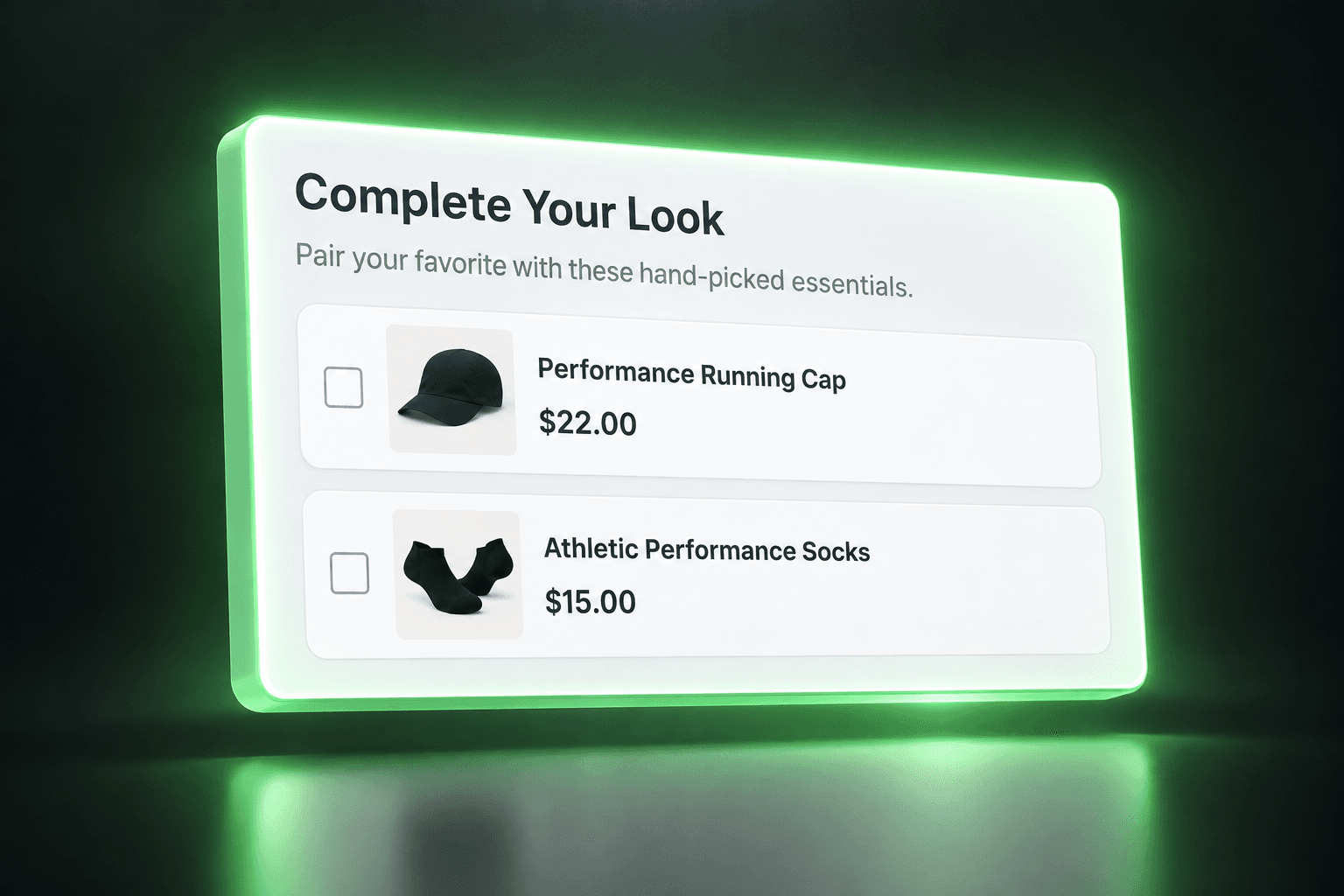
THE OPPORTUNITY
The perfect companion product can be easy to miss in a large catalog. A Shopify product page cross-sell brings it into context while the shopper is considering the main item. Explain the connection and make Shopify product add-ons convenient to discover, without replacing the product information they came to read.
FROM IDEA TO OFFER
Choose a main product and relevant complementary items in your MustHave Upsell offer configuration.
Follow the app’s storefront setup instructions and position the available product-page placement in a supported theme location.
Customers can consider the related items before checkout. Test product selection and cart behavior, then refine the recommendations using offer insights.
RELEVANT BEATS RANDOM
Example pairings to inspire your offers, not customer results.
PAIRING / 01
A shopper viewing tracksuit bottoms sees a matching top or complementary shirt. The relationship is immediately clear, and they can add a coordinated piece to their purchase.
PAIRING / 02
Recommend athletic socks or a running cap alongside running shoes. These are useful Shopify complementary products for the activity the shopper already has in mind.
A MORE THOUGHTFUL WAY TO SELL
Introduce relevant items shoppers might not find through menus, collections, or search alone.
Put useful combinations in the same context instead of making shoppers work out what goes together.
Convenient, relevant add-ons create an opportunity to increase average order value before checkout.
A FEW GOOD QUESTIONS
On the storefront product page, while they are considering the main product and before checkout. The exact position depends on your supported theme setup.
No. A complementary product works alongside the main item, such as a shirt with tracksuit bottoms. An upgrade replaces it with a different version. These examples focus on complementary purchases.
That is the purpose of the product-page placement. Preview and test the selection and cart action in your own theme, especially if another app also changes the cart.
No universal theme guarantee is made. App-block placements require compatible templates and sections. Check the app setup instructions and ask support if your theme does not expose a suitable location.
Product page recommendations sit within the product page layout. A popup brings an offer into a separate overlay. Use the inline placement when the pairing is useful alongside the product details.
MUSTHAVE / UPSELL
Start with one product and the add-on that genuinely belongs beside it.
Install on ShopifyONE APP. MORE POSSIBILITIES.